Compare TXT Files Line by Line
Useful for log exports, keyword files, IDs, and other plain-text list workflows
When your source data already exists as plain text, line-by-line comparison is often the fastest possible workflow. You do not need spreadsheet formulas or code to answer a simple operational question like what is missing, what changed, or what overlaps.
Why TXT comparison is still useful
A lot of operational files arrive as plain text: keyword exports, IDs, logs, path lists, generated outputs, and QA fixtures. In those cases, each line already acts like a natural comparison unit.
Best workflow
Upload both TXT files, make sure each line represents a single item, then compare. If formatting drift exists, use cleanup options before you trust the diff.
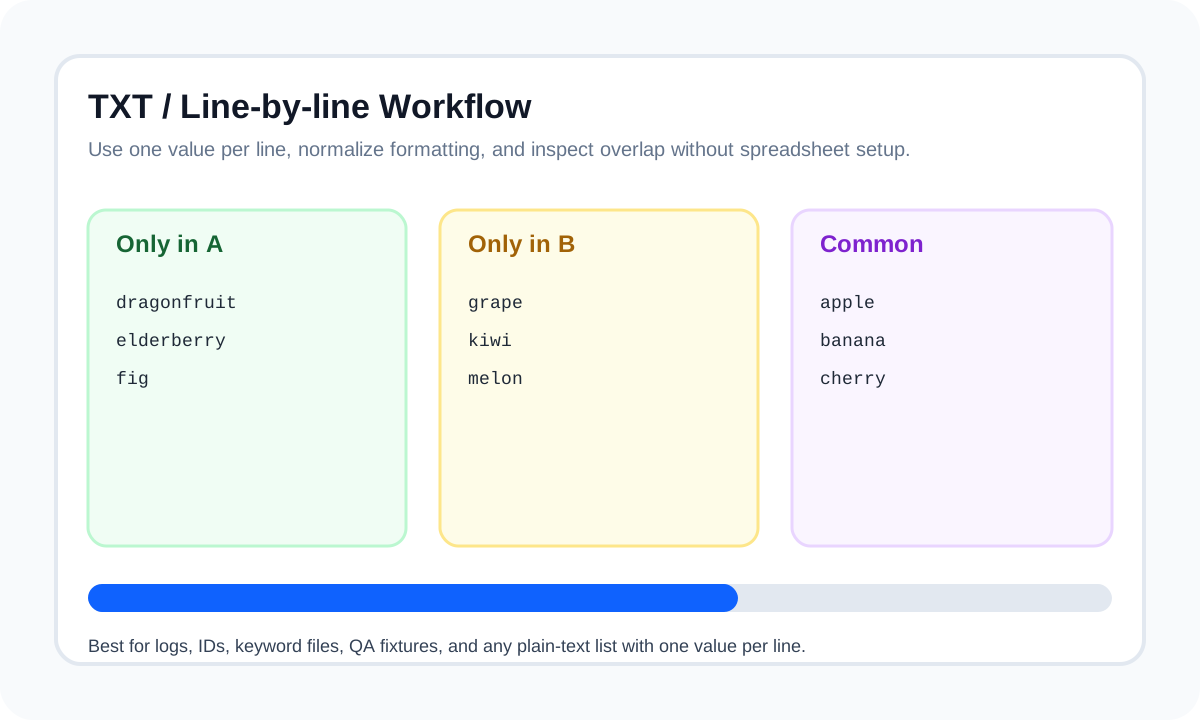
- Trim whitespace when copied from mixed sources.
- Use case-insensitive comparison for IDs or emails when case is not meaningful.
- Use duplicate-aware mode when repeated lines carry meaning.
When line-by-line is not enough
If each record spans multiple fields, TXT comparison stops being the right layer. Move to CSV / column mode or a structured workflow instead of forcing raw text to behave like a table.
| Input type | Better mode | Reason |
|---|---|---|
| Plain-text IDs or logs | Line-by-line | Each line is already the natural comparison unit |
| Spreadsheet columns | CSV / column mode | Column extraction removes unrelated fields |
| Email exports | Email preset | Normalization reduces false mismatches |
Conclusion
TXT file comparison works best when each line already maps to one real item. In those cases, line-by-line diffing is fast, readable, and usually enough.
FAQ
Can I compare generated output files with duplicate lines?
Yes. Duplicate-aware mode is useful when repeated lines are meaningful and you want the diff to reflect counts rather than only unique membership.
When should I stop using TXT comparison and move to CSV mode?
Move to CSV mode when each record contains multiple fields and only one field actually matters for the comparison.